
How to unlock your plugin
Ready to rumble? After you complete your purchase, you'll receive your unlock code right in your email. Enter it in the plugin to unlock your copy.
Unlock Kick Ninja
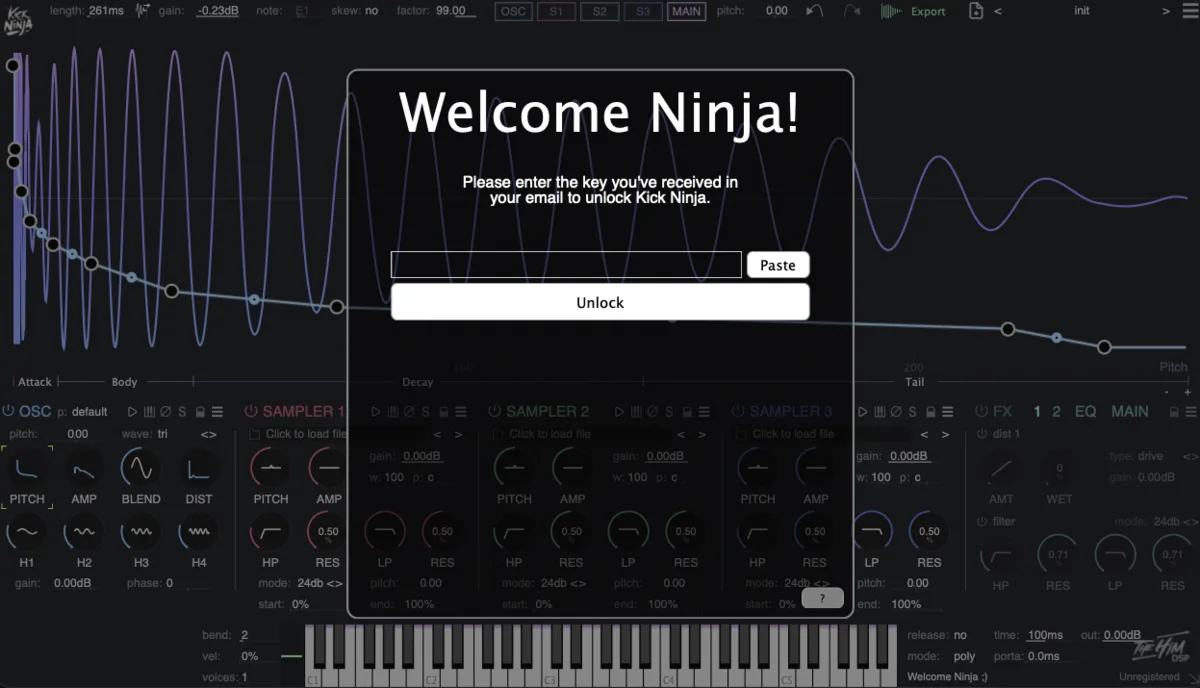
- 1 Open Kick Ninja. You will see the Welcome Ninja! screen.
- 2 Copy the key from your email, then click Paste.
- 3 Click Unlock. That's it!
Can't find your code? After purchase you get an email from dsp@thehim.com with your unlock code. Check your spam folder, or email us and we will sort it out.
Unlock Sub Ninja
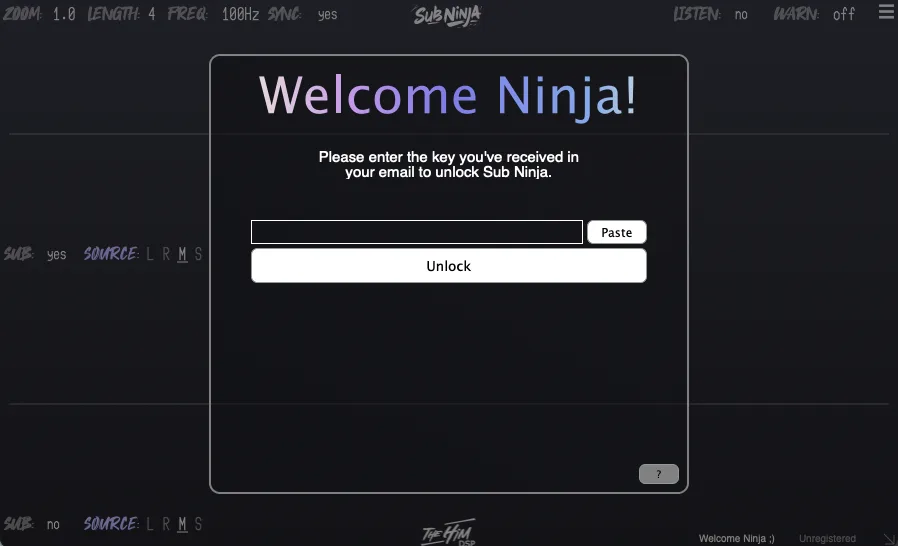
- 1 Open Sub Ninja. You will see the Welcome Ninja! screen.
- 2 Copy the key from your email, then click Paste.
- 3 Click Unlock. Easy peasy!
Can't find your code? After purchase you get an email from dsp@thehim.com with your unlock code. Check your spam folder, or email us and we will sort it out.
Unlock Ninja AB
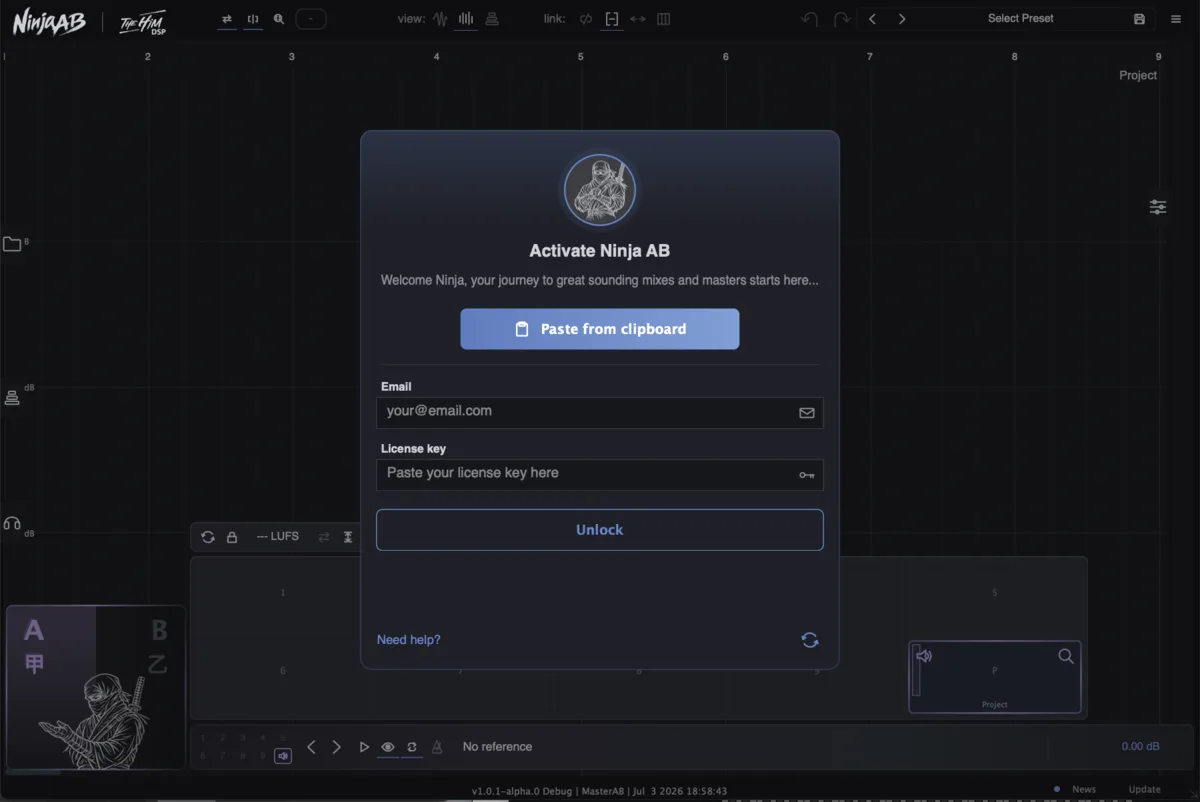
- 1 Open Ninja AB. You will see the Activate Ninja AB screen.
- 2 Copy the whole line from your email, then click Paste from clipboard. Your email and key both fill in.
- 3 Click Unlock. Lemon cheesy!
Prefer manual labor? You can also just type in your email and paste the unlock code separately.
Can't find your code? After purchase you get an email from dsp@thehim.com with your unlock code. Check your spam folder, or email us and we will sort it out.
Still stuck?
Believe it or not, the most common problem is that people accidentally download Kick Ninja instead of Sub Ninja or the other way around. So please double check that you have the right plugin (what idiot does a whole line of Ninja named plugins anyway? I guess that would be me :D, sooorry!). In any other case just email us at dsp@thehim.com and we will usually get back to you within 48 hours.